Interface component
Field
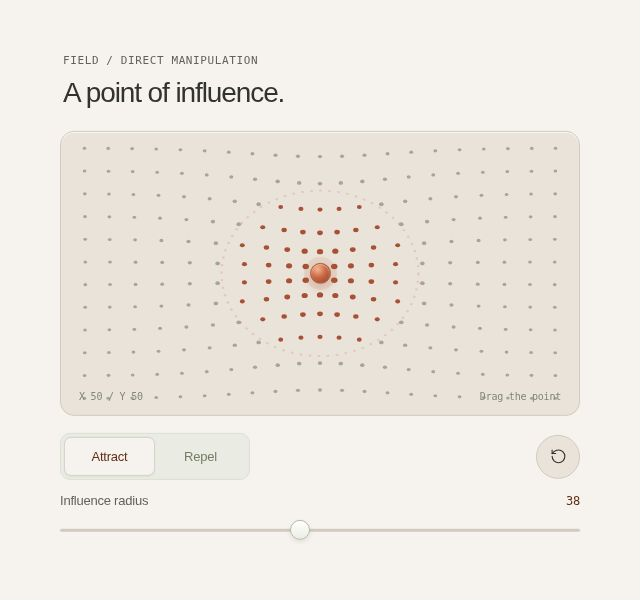
Shape a responsive field. Drag the influence point, choose attraction or repulsion, and adjust its radius.
Try this componentInteraction
Drag the influence point, choose attraction or repulsion, and adjust its radius.
Use it for
Shape a responsive field
Implementation
React / Motion. Part of the Studies family in Optical UI. The live example supports interactive exploration; this page provides its permanent reference.
Explore this design language · Implementation guide · Download source